


Evaluating AI search tools with confidence
A practical framework and browser extension for assessing search tools used in academic research, with special attention for AI-related aspects. Developed by information specialists from the University of Twente library. The TRUST framework is built up from five core principles: Transparent, Reliable, User-centric, Sound, and Traceable, inspired by the FAIR principles.
 Install the extension
Install the extension via the Chrome Web Store by clicking here. For other installation options, read on.
Want to test the review tool without installing? A browser-based preview is available — use the Try button above.
See a finished, full TRUST review here in the form of a report exported by the review tool.
Background
We’re showcasing the TRUST framework, the tooling built to support it, and our workflow at LIBER 2026. You can find our poster & abstract proposal here.
Poster
We're presenting the TRUST framework at LIBER 2026 (Trondheim, 1–3 July 2026).
Zenodo DOI will be added after publication.
Conference abstract
We have proposed the TRUST framework for LIBER 2026 — a short paper making the case for a rigorous, principle-based way to evaluate AI-based search tools.
The extension
To make it easy to review a tool with the TRUST framework, we developed a free and open source browser extension. It’s available to install directly, but you can also find an online demo version below, as well as an example of a finished report generated by the extension.
How a review works
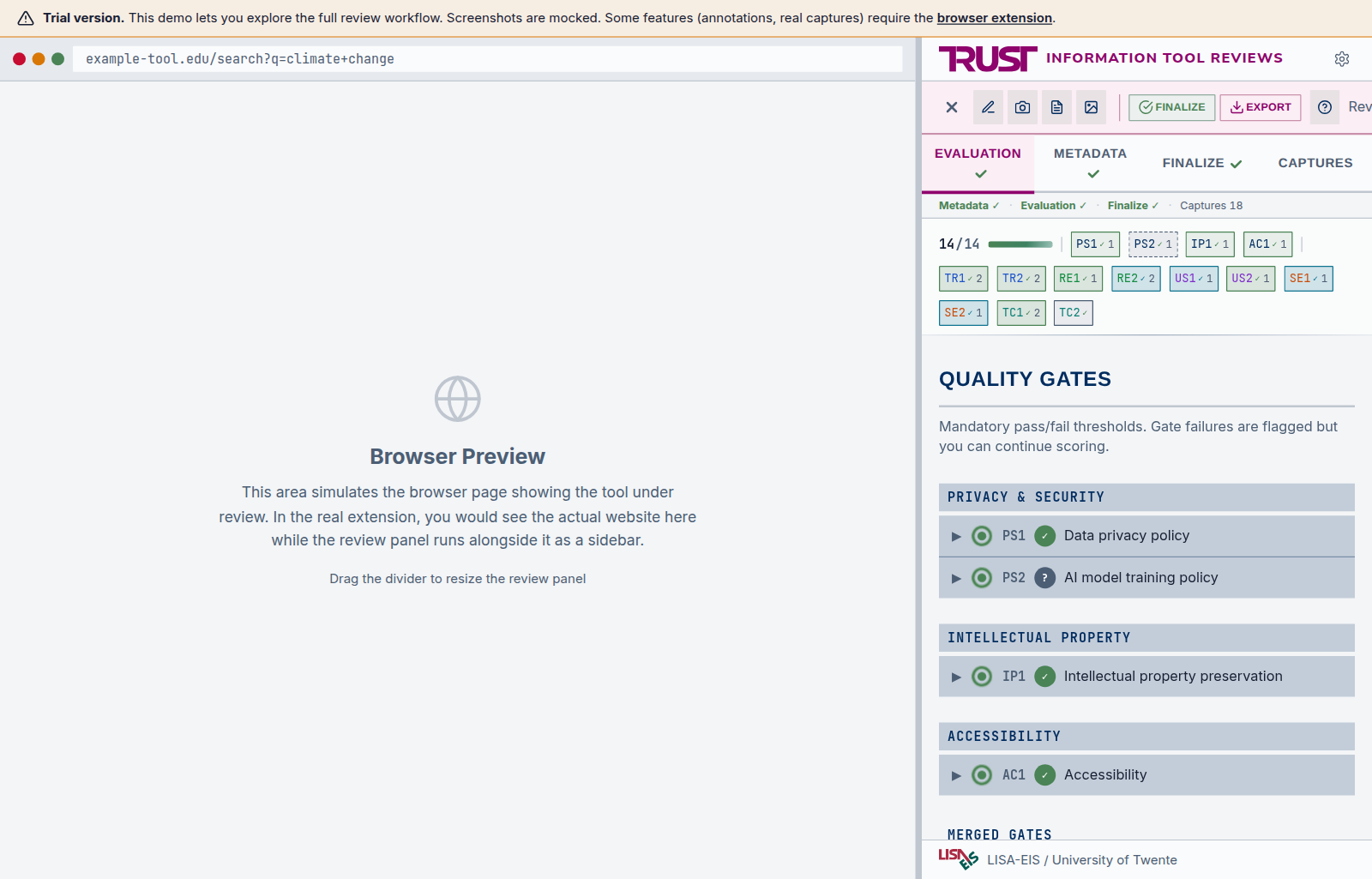
A TRUST review needs several forms of input: quality gates, scored questions, evidence, metadata, and final opinions. The tool turns this into an exportable & shareable report.
- Quality gates: four yes/no checks covering privacy, intellectual property, and accessibility.
- Scored questions: two per principle across five principles (ten in total), each scored 0 to 3.
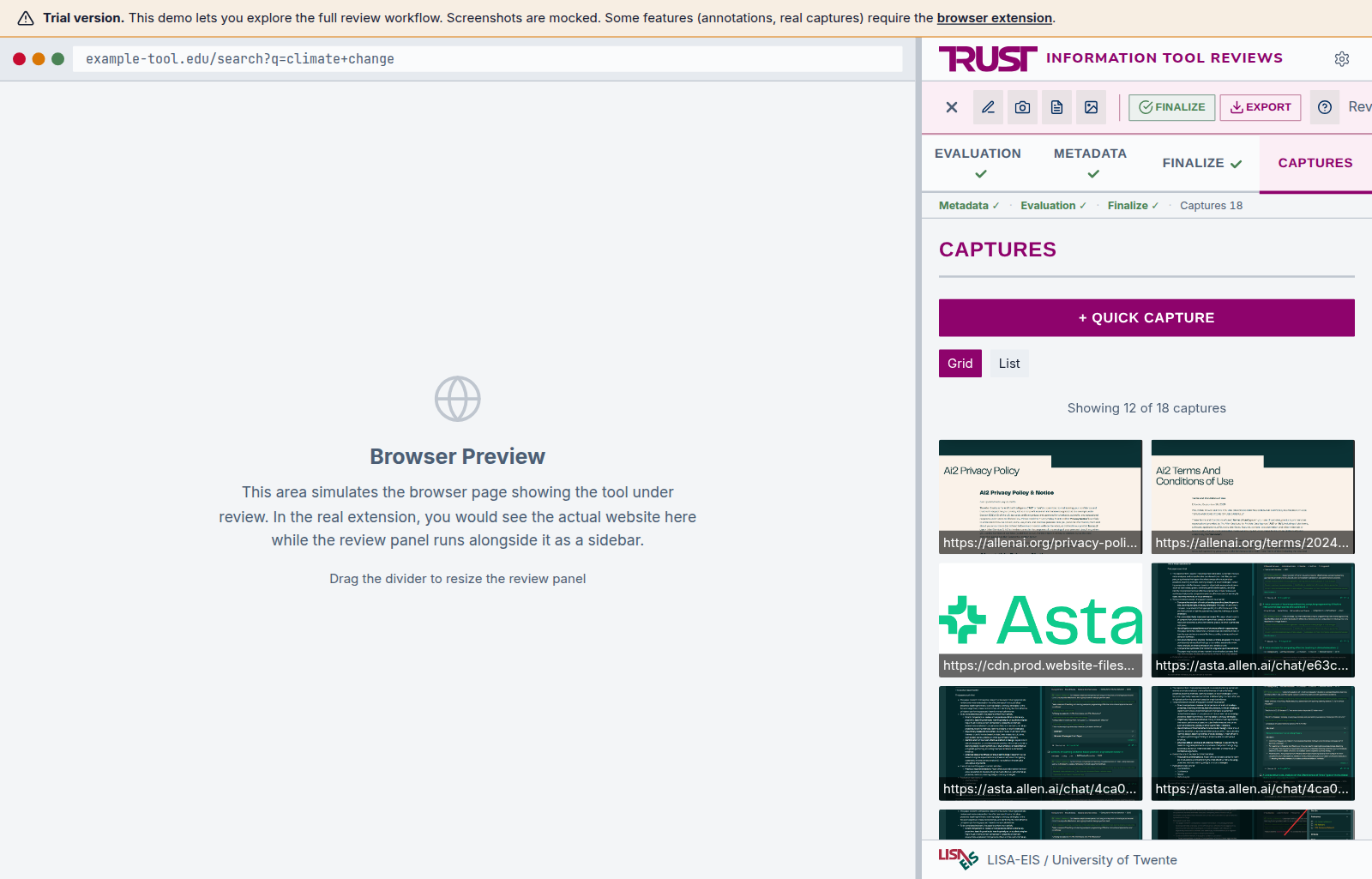
- Evidence: screenshots and notes captured in the browser, tagged to the question they answer.
- Metadata: tool, version, and reviewer details recorded for every evaluation.
- Final opinions: the reviewer’s conclusions and recommendations, captured alongside the scores.
- Output: all of the above turned into a standalone, shareable HTML report.
Install the browser extension
Or try the live in-browser demo first, with no install.
Chrome and Edge
Add to Chrome from the Chrome Web Store; it auto-updates on new releases.
For manual installs or other Chromium browsers, see the GitHub Releases.
 Firefox
Add to Firefox from Firefox Add-ons; it auto-updates on new releases.
Try it in your browser
Run the full extension in your browser — no installation required. It comes preloaded with a real review (ai2 Asta) so you can click through the evaluation, inspect the evidence, and read the generated report. New screenshots you capture in the demo are simulated, but everything else is live.
Open the demo Works best on desktop.
See a complete example
A full, real TRUST review exported from the extension — the ai2 Asta evaluation referenced in the abstract.
The report is a single HTML file that opens in any browser. The .zip holds the full review package, which you can load into the extension or drop into the Compare tool below.
Compare reviews
Upload multiple TRUST review ZIP files to compare scores, evidence, and verdicts side by side.
No review ZIPs handy? Download the ai2 Asta example to try it out.
Drop ZIP files here or
What’s next
While the extension and framework are ready to be used, there is still a lot to do. We are currently working on integrating TRUST into our daily work. Below you’ll find some examples of how we’re approaching that.
Central database
One of the immediate next steps we’re taking is creating a shared database that can hold all tools we know of: either because we already use them or because they are nominated, suggested, found, etc. This database will hold all relevant information about the tools, including the current TRUST review information, like progress, who reviewed, scores, conclusions, etcetera. Each column shows the average score for one principle, rated from 0 (does not meet it) to 3 (fully meets it): TR, RE, US, SE, TC. Nominate a tool.
| Tool | Category | Verdict | TR | RE | US | SE | TC | Status |
|---|---|---|---|---|---|---|---|---|
| Loading… | ||||||||
Next steps
A single review is one step in a larger workflow — alongside contract management, the AI office, and the colleagues we support. This is what we are building next.
-
01
Central database
Build a central repository for every evaluation: tool submissions, review results, and procurement decisions. See the draft database →
-
02
Monitoring & re-evaluation
Establish a process to keep reviews current and trigger re-evaluation whenever a tool changes.
-
03
Golden datasets
Curate sets of queries with expected results, used during review for objective, comparable evaluations.
-
04
Refine the workflow
Implement the full process in collaboration with relevant departments — contract management and the AI office.
-
05
Integrate into daily work
Embed the workflow into outreach, education, and research support across the institution.
-
06
Practice what we preach
Apply TRUST to our own procurement decisions beyond this pilot.